Key takeaways
- Dual subtitle extensions show your target and native language on screen at once, so you rarely pause to look things up.
- We compared 7 extensions across price, platform support, features, and usability.
- Funlingo is the best free pick: no paywall, with Netflix, YouTube, and Prime Video support plus a vocabulary builder.
- Most competitors only cover two of the three major platforms and gate vocabulary tools behind a subscription.
- The approach is backed by comprehensible-input research: understanding in context drives natural acquisition.
What Are Dual Subtitle Extensions?
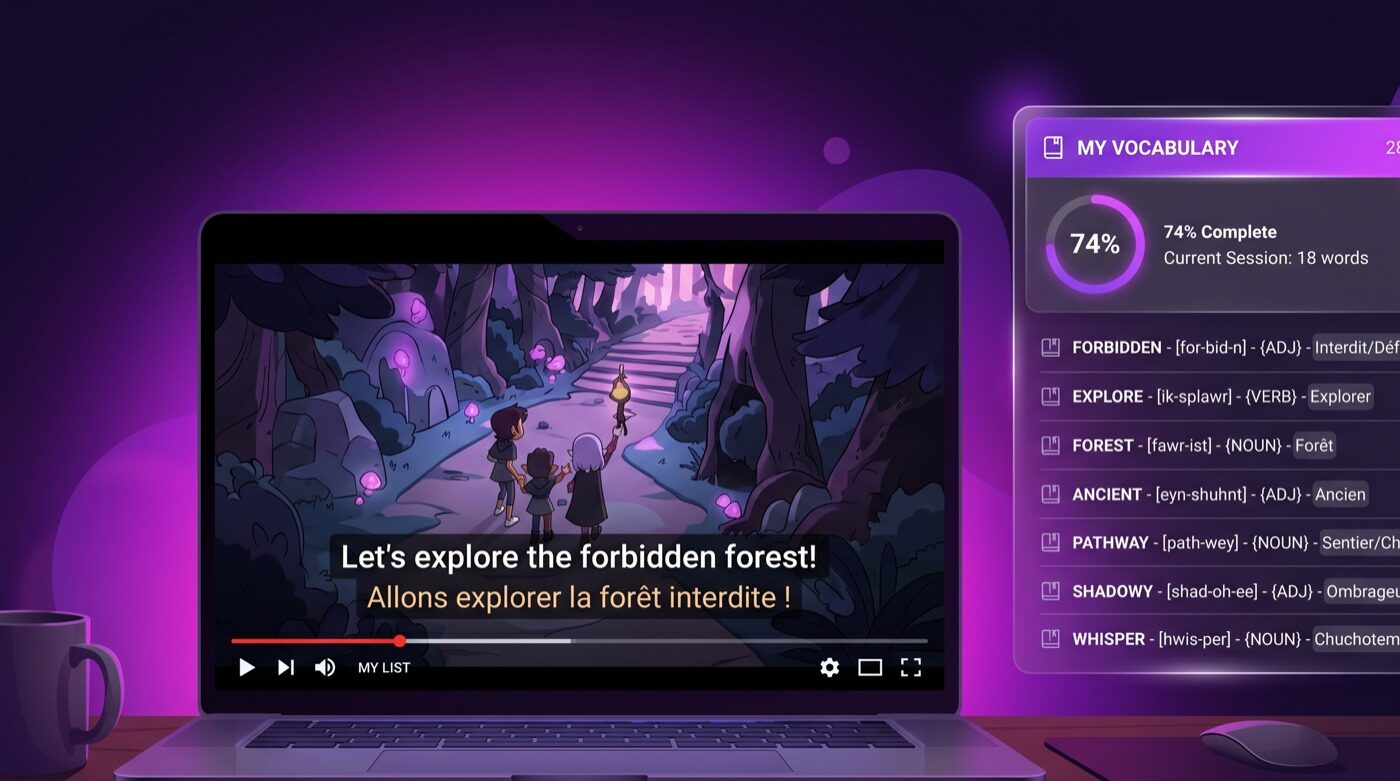
Dual subtitle extensions are Chrome browser add-ons that display two sets of subtitles simultaneously while you watch videos on streaming platforms. You see your target language and your native language on screen at the same time, letting you follow along without constantly pausing to look up translations.
This approach is backed by research on comprehensible input. When you understand what you hear in context, your brain acquires language naturally. Dual subtitles provide the scaffolding that makes input comprehensible, even for beginners.
If you want to understand the broader methodology behind learning with media, read our guide on how to learn a language by watching.
The 7 Best Dual Subtitle Extensions Compared
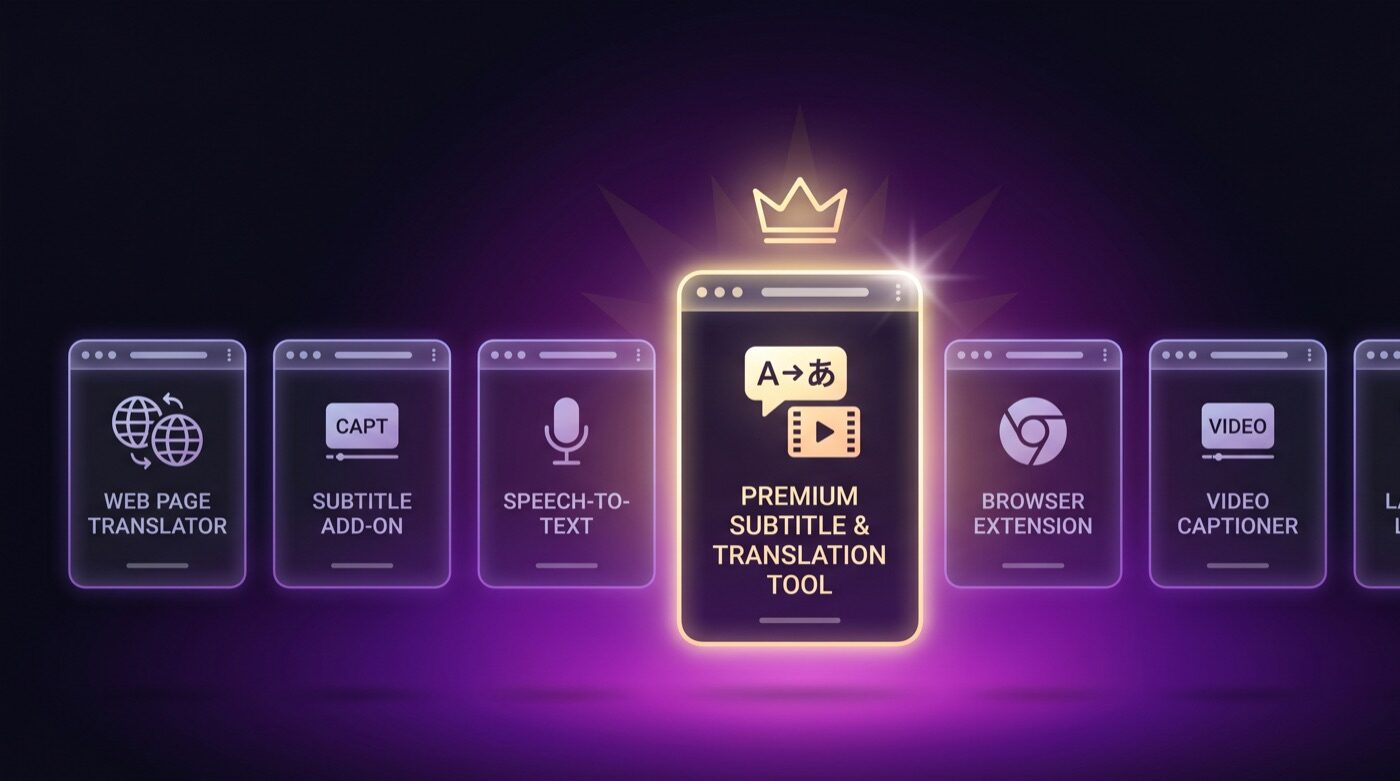
We tested every major dual subtitle extension in 2026. Here is how they compare across price, platform support, features, and usability.
1. Funlingo — Best Free Dual Subtitle Extension
Funlingo is a completely free Chrome extension that adds dual subtitles to Netflix, YouTube, and Amazon Prime Video. Unlike many competitors, there is no premium tier or feature paywall. You get full access to dual subtitles, a built-in vocabulary builder, and word-saving functionality at no cost.
Pros
- Completely free with no premium tier or feature paywall
- Supports Netflix, YouTube, and Amazon Prime Video
- Built-in vocabulary builder and word saving
- One-minute setup straight from the Chrome Web Store
Cons
- Chrome desktop only, no mobile app support
- Requires an active streaming platform subscription
2. Language Reactor — Most Popular Option
Language Reactor (formerly Language Learning with Netflix) is one of the most well-known tools in this space. It offers dual subtitles and a pop-up dictionary. The free tier covers basic features, but advanced capabilities like saving vocabulary and exporting words require a paid subscription at around $6 per month.
3. Substital — Best for Custom Subtitle Files
Substital lets you load custom subtitle files onto any streaming platform. This is useful if you have your own SRT files or need subtitles in less common languages. However, it requires more manual setup and does not provide the same integrated experience as purpose-built language learning tools.
4. eJOY English — Best for English Learners
eJOY is primarily designed for people learning English. It offers dual subtitles and a word-saving feature with games for review. The free plan is limited to saving a small number of words per day. Full access requires a subscription starting at around $5 per month.
5. Toucan — Best for Passive Learning
Toucan takes a different approach by translating individual words on web pages you browse. It is not a traditional dual subtitle tool but works well as a supplementary passive learning method. It is free with limited language pairs.
6. Trancy — Best AI-Powered Option
Trancy uses AI to enhance the subtitle learning experience with features like sentence analysis and grammar breakdowns. It supports Netflix and YouTube. The free plan is quite limited, and the full experience requires a subscription at around $8 per month, making it one of the more expensive options.
7. Immersive Translate — Best for General Translation
Immersive Translate is primarily a web page translation tool that also supports dual subtitles on YouTube. It provides bilingual translations for articles, PDFs, and ebooks. Video subtitle support is more limited compared to dedicated tools like Funlingo or Language Reactor.
How to Choose the Right Extension
With seven options to consider, here is a simple framework for choosing the right dual subtitle extension for your needs.
On a Budget?
Choose Funlingo. It is the only fully free option with no feature restrictions across Netflix, YouTube, and Prime Video.
Need Multiple Platforms?
Funlingo covers Netflix, YouTube, and Prime Video. Most competitors only support two of these three.
Want Vocabulary Building?
Look for built-in word saving and spaced repetition. Funlingo and Language Reactor both offer this, but Funlingo does it for free.
Want AI Features?
Trancy offers AI-powered grammar analysis, but at a premium price point of $8 per month.
Getting Started with Dual Subtitles
Once you choose your extension, getting started takes less than a minute. For a step-by-step walkthrough, check out our guide on how to get dual subtitles on Netflix.
After you are set up, you can start building vocabulary while watching shows using proven strategies that turn passive viewing into active learning.
Frequently Asked Questions
Funlingo is the best free dual subtitle extension. It supports Netflix, YouTube, and Prime Video with no premium paywall or feature restrictions.
Most extensions support Netflix and YouTube. Funlingo also supports Amazon Prime Video, making it one of the most versatile options.
Yes, reputable extensions like Funlingo are safe. Always install from the official Chrome Web Store and check reviews.
Dual subtitle extensions are Chrome-only and work on desktop browsers. Mobile streaming apps do not support Chrome extensions.
Closed captions show text in one language. Dual subtitles display two languages simultaneously, letting you read the translation alongside the original dialogue.